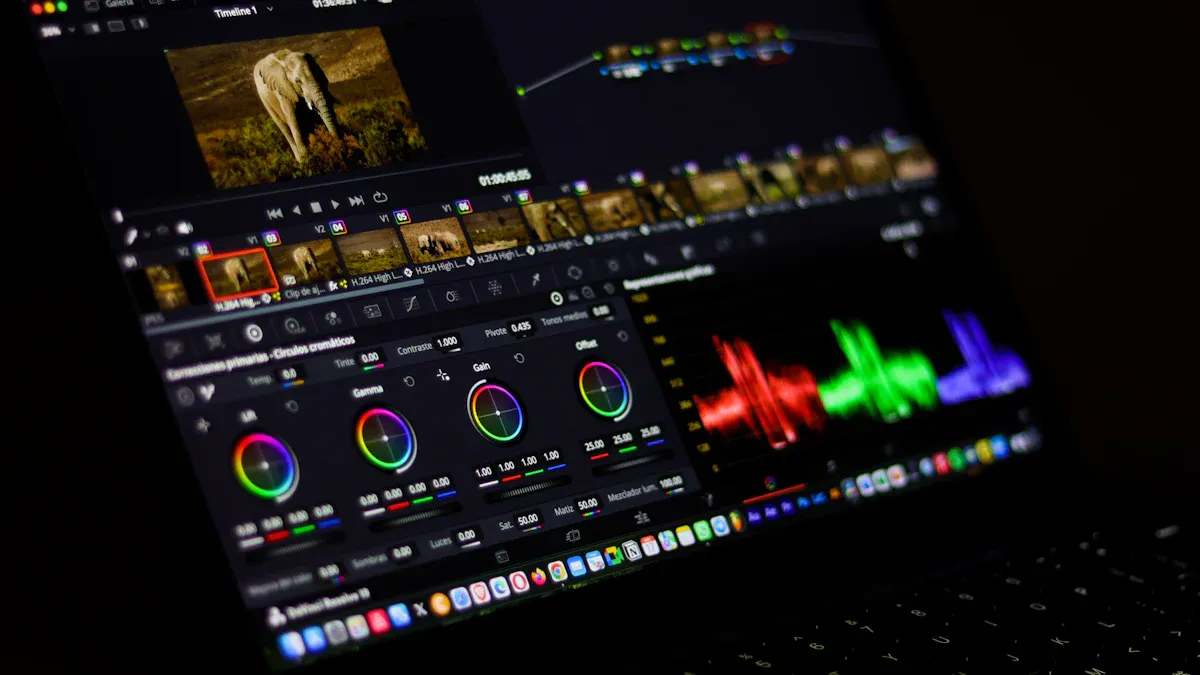
About 77% of professionals use ai-powered tools in their work. AI in video editing works like a smart helper. It lets you focus on telling stories and adding style.
Key Takeaways
AI tools in video editing help you save time. They do this by doing boring tasks for you. This lets you spend more time being creative.
AI can make your videos look better by itself. It fixes things like colors and shaky shots.
You should always check what AI changes. Make sure the edits match your ideas and story.
Why AI in Video Editing Matters
People make more videos every year. You see new videos on social media and websites all the time. More people want fast and good video editing. This makes editors look for better ways to work.
Market Type | CAGR (%) | Forecast Period |
|---|---|---|
Video Market | 8.2 | 2026 to 2033 |
Digital Video Content Market | 8.9 | 2025 to 2034 |
Global Video Streaming Revenue | By 2025 |
Faster Workflows with AI-Powered Editing
People want to finish editing fast. AI helps save a lot of time. AI tools can make post-production much quicker. Marketers say AI saves them over an hour on each task. Now, you can let AI do things like writing and adding captions. These jobs used to take a long time. AI can finish them in just a few minutes. AI can also help you write faster. This means you do not have to do boring work. You get more time to be creative.
Tip: Let AI do the boring parts. You can spend more time making your video special.
Accessibility for All Skill Levels
AI makes editing videos simple for everyone. You do not have to be an expert to make cool videos. AI tools make editing easy to understand. Some tools can cut and trim clips by themselves. They can add music, make subtitles, and suggest effects. You can even edit videos like you edit text with Descript or Pictory AI. Artificial intelligence helps beginners and people who are not pros start making videos.
Big programs like Adobe Premiere Pro and DaVinci Resolve have AI features now. These features can do auto-editing, remove backgrounds, fix colors, turn speech into text, and make voices. AI helps you, but it does not take away your creativity. You still get to make the final choices and add your own style.
Key AI Tools for Video Editing
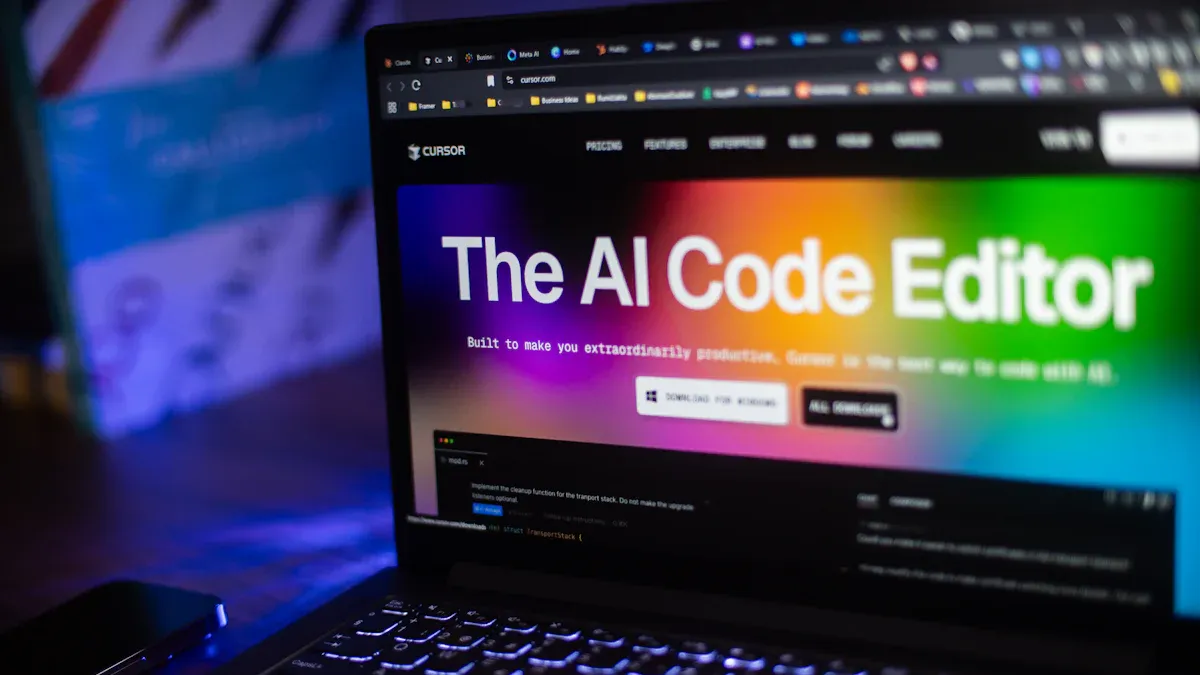
There are lots of AI tools for video editing now. These tools help you work faster. They also make your videos look better. Some popular choices are:
Runway ML: You can edit in real time. It removes backgrounds. It can turn text into video.
Descript: You edit videos by changing text. You can dub voices. It gives you automatic transcripts.
Pika Labs: It makes videos from text prompts. Filmmakers and marketers like this tool.
Synthesia: It creates talking avatars in over 120 languages. You can use it for training or presentations.
Magisto: It edits videos automatically with smart templates.
Wisecut: It trims videos and adds subtitles using speech recognition.
Kapwing: Teams can edit together. It makes subtitles for social media.
InVideo: It gives you templates and text-to-video features. This makes video creation easy.
Improving Quality Automatically
AI can make your videos look much better. You do not have to do much work. These tools use machine learning to check every frame. They find patterns and fix problems in your footage. Here are some ways AI helps your videos:
Process | Description |
|---|---|
Upscaling | Changes low-quality video into high-definition. |
Denoising | |
Stabilization | Makes shaky footage smooth and professional. |
Color Correction | Brings back color to faded or dark videos. |
Makes blurry parts clearer and easier to see. |
You can see real results from these tools. Stores using AI-powered enhancement tools saw a 10% boost in video quality. Some repair shops made $40-$90 more per repair order. They used high-quality videos. This shows better videos can help you get better results.
Streamlining File Management
AI tools help you keep your files organized. You do not have to spend hours sorting footage. Tools like Peakto connect to different storage places. They do not make extra copies. They tag and preview your clips using face recognition and scene detection. You can find the right video fast. Teams can work together from anywhere. Remote access features help with this. You do not need to upload everything to the cloud.
Tip: Let AI handle your files. You can focus on editing and telling your story.
Automating Repetitive Tasks
AI saves you time by doing boring jobs. You do not have to sync audio by hand. You do not have to scrub through hours of footage. AI does these tasks quickly. A report from Deloitte found creative teams using AI save about 11.4 hours each week. This means you have more time to make your videos special. AI helps you stay on budget. You spend less time editing.
Descript is a good example. You can edit your video like a document. You can delete sentences. You can move parts around. You can add new sections by changing the transcript. Many users finish editing in one-quarter of the time. Some even double their content output. Editing is much faster.
AI in video editing does not replace your creativity. It helps you work smarter and faster. You get to spend more time on the parts you enjoy. You can add style and tell stories. With ai-powered editing, you can finish projects up to 10 times faster than before.
Where Human Editors Excel
Storytelling and Creativity
You add something special to video editing that ai cannot do. You know how people feel and what makes a story fun. Human editors can build suspense and make things exciting. You help viewers care about the message. Ai can help with technical jobs, but it cannot make stories that touch people deeply. You see the whole project and use your experience to make each video different. Ai-powered editing often repeats the same ideas and misses the creative details that make your work unique.
Emotional Impact and Pacing
You control how the video feels and moves. You choose when to cut and what music to use. You decide how to put scenes together. These choices change how viewers feel. Studies show that showing feelings in videos helps people pay attention and remember things. You know when to slow down or speed up to keep people interested. Ai has trouble understanding feelings and often makes edits that seem boring or too fast.
Findings | Implications |
|---|---|
Emotional congruency helps people think better | Emotional impact is important for learning and keeping viewers interested. |
Fewer transitions mean better organized content | Good pacing helps viewers understand and stay focused. |
Note: Making viewers feel something can help them remember your videos.
AI as a Pre- and Post-Edit Assistant
You can use ai to save time and money, but you need to be in charge. Ai tools are good for sorting clips and fixing sound. They also help with boring jobs. Many tools use templates that can limit your creative choices. You should always check the final video to make sure it looks right. Look for mistakes in captions and scene changes. Use ai as a helper, not as a replacement. Your skills and choices keep the video good and the story strong.
Always check ai edits before you share them.
Make sure captions and scenes match your message.
Let ai do simple jobs, but use your creativity for the final edit.
Real-World AI Editing Workflow Example
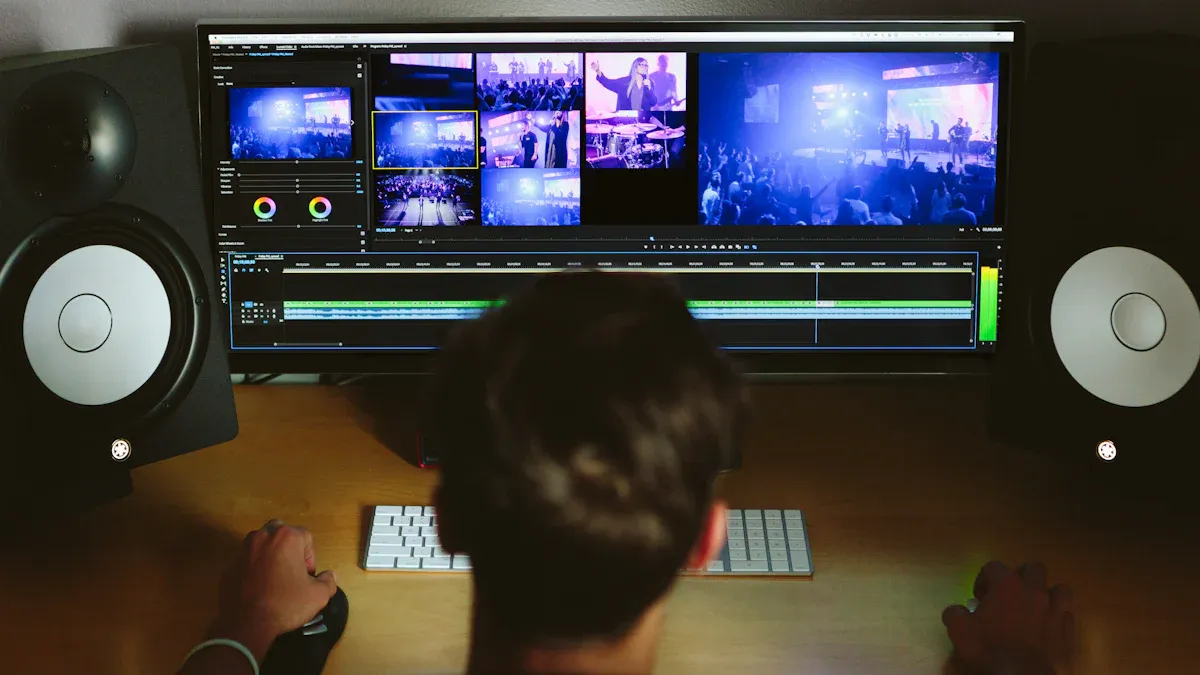
Handling Mixed Formats and Large Files
You might get video files from many cameras and devices. Each file can be a different size or format. This makes editing slower and harder. AI in video editing helps you fix these problems. For example, Total Media uses AI to find video formats and change files. It also makes the quality better. You do not have to match formats or fix bad clips by yourself. AI tools can make videos clearer, fix colors, and stop shaky shots. This saves you time and lessens boring work. A big Hollywood studio, Industrial Light & Magic, uses AI for jobs like rotoscoping. Now, work that took weeks only takes a few hours. You can spend more time being creative instead of fixing technical things.
Batch Processing with AI
AI-powered editing lets you work on many videos at once. You can use the same fixes, shrink files, or change formats for all of them. This is great when you have lots of videos to edit. Batch processing can save you up to 40% of your editing time each week. People who use batch production get 30% more work done. You do not have to do the same steps over and over. AI tools do the boring jobs, so you can start your next project sooner.
Workflow Improvements in Practice
AI tools make your editing easier in many ways. You get better videos without working as hard. AI can fix colors, make pictures sharper, and take away background noise. You can use AI to make voiceovers or add cool effects. These tools help you finish projects fast and keep costs down. You can focus on your story and make your video special. AI editing also helps teams work together better. You can sort, search, and pick clips with smart tags. AI tools for video stabilization and transcription save even more time. With AI in video editing, you do not spend as much time on hard tasks. You get more time to be creative.
Who Benefits from AI-Powered Editing
Content Creators and Small Teams
AI helps content creators and small teams the most. When you have a short deadline, AI tools help you work faster. You can use ChatGPT to come up with ideas. It can help you rewrite scripts and give feedback. AI makes your team stronger and helps you finish on time. You can set up steps for your work. You can follow brand rules and review your videos. This keeps your editing neat and your projects on track.
AI makes brainstorming and editing go faster.
Teams can finish more videos in less time.
You can keep your videos looking good and the same style.
Families and Personal Projects
AI tools make video editing simple for everyone. You do not need special skills to use them. Many families use these tools to make videos of family events. Some use them for health updates. Studies show families with kids who have special needs like AI tools. They find them easy and helpful. These tools give you fast answers and help you share memories. You do not need to learn hard programs to make nice videos.
Tip: Try AI tools like Canva or Filmora. You can edit videos with clicks or by talking.
Here are some features that help people who are not tech experts:
Accessibility Feature | Description |
|---|---|
Voice Commands | You can tell the tool what to do by speaking. |
Intelligent Audio Processing | It removes background noise so voices sound clear. |
Multilingual Accessibility | It can translate and add voice-overs in many languages. |
Content Generation through Verbal Descriptions | You can describe what you want, and it makes pictures or clips. |
High-Volume Video Managers
If you have lots of videos, AI helps you manage them fast. AI can watch hours of video and find key moments. It can hide private info if needed. You get good results without mistakes or getting tired. AI keeps your files safe and tracks every change. You can use smart tools to see patterns and make your work better.
AI reviews and edits big projects for you.
You save time and make fewer mistakes.
Your team can make more videos with less work.
AI video editing tools save you many hours. Tools like Klap and Filmora do jobs for you. They turn long videos into short clips. They help you keep up with lots of work. In 2024, AI tools worked on over 500 million hours of video. This shows how much time and effort you can save.
You can use ai to speed up editing and make your work easier.
Ai tools handle tasks like scene detection and caption creation, saving you hours and cutting costs.
You still need your creative skills for storytelling and pacing.
Ai gives you more time for creative choices, while you keep viewers engaged with your ideas.
When you mix ai with your own judgment, you get videos that are both fast and powerful.
FAQ
AI video editing uses smart computer programs to help you edit videos. These tools can cut clips, add captions, and fix colors. You save time and make your videos look better.
No, AI cannot replace you. AI helps with simple tasks. You make creative choices and tell stories. Your ideas and feelings make videos special.
You do not need special skills. Many AI tools work with simple clicks or voice commands. You can start editing right away, even if you are new.