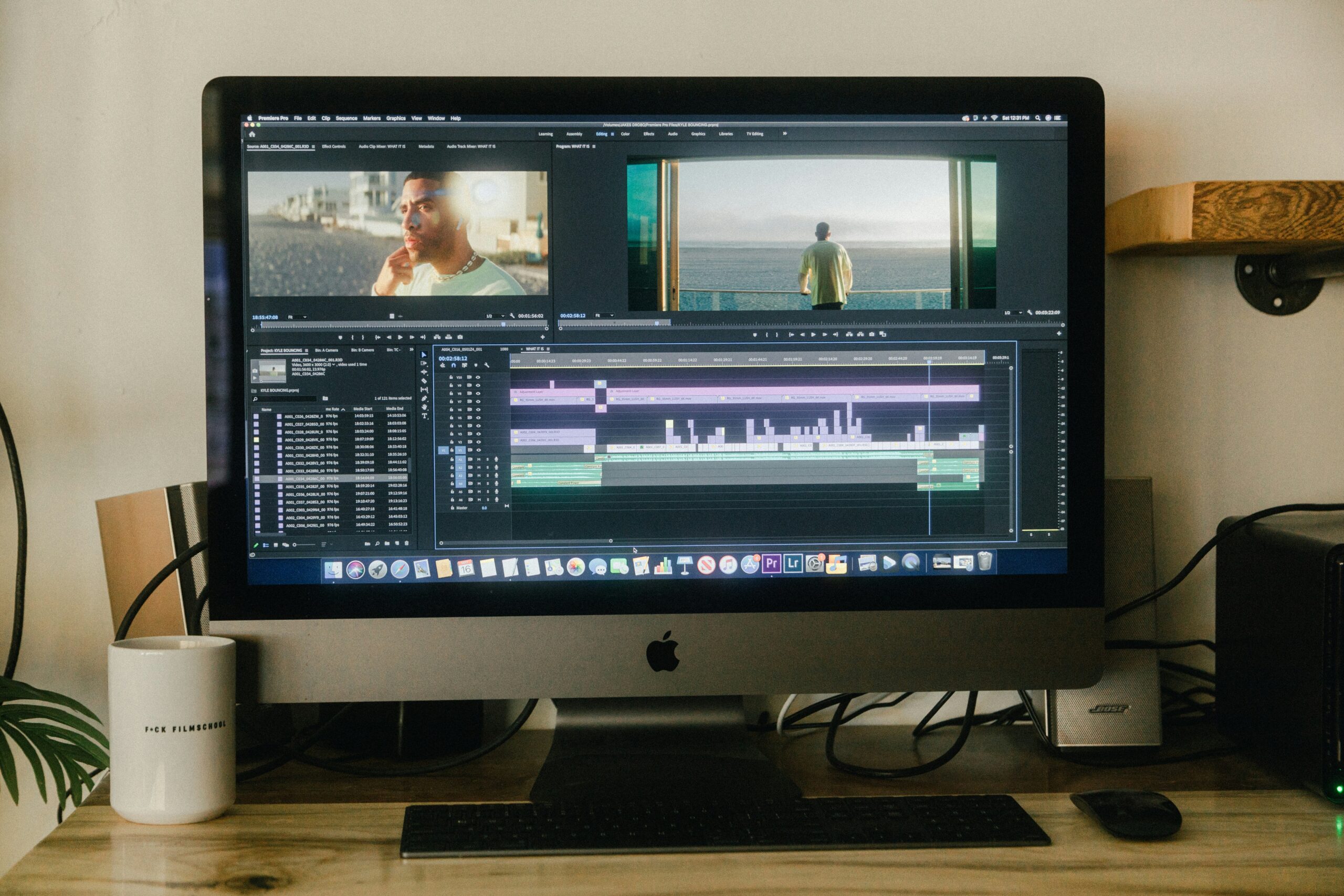
The promise sounds almost too good. Take a soft, grainy 480p video. Run it through an AI upscaler. Get back something that looks like 4K.
Sometimes that’s roughly what happens. Sometimes the result looks over-processed, waxy, or artificially sharp in ways that feel wrong. The honest answer to “does AI video upscaling work” is: it depends on the source, the tool, and what you’re expecting from it.
This article covers how it actually works, what it does well, where it fails, and how to decide if it’s worth your time.

What AI Upscaling Actually Does
Traditional upscaling is simple math. Take a 480p frame and stretch it to fill a 1080p canvas. The software fills in new pixels by averaging the ones next to them. The result is a bigger image, not a better one. Edges go soft. Fine detail turns blocky.
AI video upscaling uses trained neural networks to recover missing details. That’s something traditional editors can’t do. Instead of averaging adjacent pixels, the AI analyzes the content of each frame like edges, textures, patterns, object boundaries, and predicts what those elements should look like at higher resolution. The new pixels it generates are synthesized from that understanding, not interpolated from neighbors.
AI video upscalers generate new pixels that sync with the old ones. The result is sharper videos with fewer artifacts. On good source material, the difference between traditional and AI upscaling is visible and significant. On poor source material, the gap narrows considerably.
Where It Works Well
Old home footage and archival video. This is where AI upscaling consistently delivers its most impressive results. Old home movies upscaled with AI show noticeable improvement with noise artifacts removed, motion smoother, detail reconstructed in a way that makes the footage genuinely more watchable. The source is low-resolution but the content has high value. Improving watchability here matters more than in most other use cases.
SD to HD conversion. With new display technology, older footage becomes harder and harder to watch as the gap between old recordings and new display technology gets wider. AI upscaling addresses this. It’s quicker and smarter than traditional upscaling that only stretches the image. Content shot in 480p or 576p and upscaled to 1080p looks significantly better on modern displays than the original.
Compression artifact removal. Many upscalers combine artifact reduction with resolution increase. Footage that’s been heavily compressed. MTS files from old camcorders, video downloaded from platforms at lower quality settings benefits from artifact removal alongside the upscale.
Content with clear structure. Simple videos upscale cleanly. The AI touches on the necessary details with accompanying sharpness. Architecture, landscapes, and footage with defined edges respond well. The AI has something clear to work with.
Where It Struggles
AI video upscalers have limitations: inconsistent output quality, potential hardware demands, file compatibility issues, model limitations, processing delays, and the need for high-quality source material. They can yield exaggerated or unrealistic results and struggle with low-resolution or noisy content.
A few specific failure patterns worth knowing:
Extremely degraded source material. The AI is synthesizing new detail based on what exists in the frame. If the original footage is severely degraded — heavy noise, extreme compression, significant motion blur, there’s not enough signal for the AI to work from. The output improves over the source but has a lower ceiling than clean footage.
Fast motion and complex backgrounds. Upscaling works frame by frame. Fast motion combined with complex backgrounds produces inconsistent results between frames. The AI’s per-frame decisions don’t always align, creating a subtle flickering quality across high-motion sections.
Over-processing at high strength settings. Push any upscaler too hard and the result starts to look artificial. Skin tones become waxy. Textures look synthesized rather than natural. Fine detail turns into a kind of hyper-sharpened pattern that signals processing rather than real resolution.
Native 4K vs upscaled 4K. Native 4K content offers true quality at 3840×2160, while upscaled content enhances lower resolutions to 4K, but it doesn’t match the detail and depth of native 4K content. AI upscaling closes the gap significantly. It doesn’t eliminate it.
What the Results Actually Look Like
In real-world testing, AI upscaling on old grainy footage produced a video that looked smoother when watched. The tool successfully removed random noise artifacts from the film. The reduction of artifacts was impressive, even if the footage still showed its age.
That’s a fair summary of what to expect. Meaningful improvement, not transformation. The footage still looks like what it is, but cleaner, more watchable, and better suited to modern displays. That’s genuinely valuable for a lot of use cases. It’s not the same as footage that was originally captured at high resolution.
AI Upscaling Tools Worth Knowing
Topaz Video AI is the most established dedicated tool. It’s known as the best AI video upscaling software for professional film restoration, with impressive output quality and upscaling capability up to 16K. Desktop only, requires a capable GPU, priced at $299 one-time with one year of updates included.
AVCLabs Video Enhancer AI is a strong competitor to Topaz — cheaper, with almost-as-good results, particularly suited to home movie restoration and those on a budget. Available on monthly subscription from $19 per month.
TotalMedia VideoEnhance handles upscaling as part of a broader AI enhancement pass — AI Smart Enhance addresses noise, compression artifacts, color fade, and detail loss alongside resolution increase. Available as a web app with no installation. The free tier includes 4K upscaling with no watermark. Upscaling options run from 200% (1080p) to 400% (4K), with 8K available on the Pro plan.
The right tool depends on your use case. For professional film restoration requiring maximum control, Topaz is the industry standard. For web-based access with no installation and an integrated enhancement workflow, VideoEnhance covers most common use cases without the hardware requirements.
Is It Worth It?
For most people with old footage they want to preserve or share — yes. The improvement in watchability is real and consistent enough to justify the time. A two-hour VHS capture upscaled to 1080p looks noticeably better on a modern TV than the native 480p file. That matters for footage with genuine value.
For professional production work — it depends on the source. Footage shot in 1080p upscaled to 4K for a YouTube upload gets a genuine quality benefit. Footage that is severely degraded or shot in near-darkness has a recovery ceiling that no upscaler crosses.
One honest framing: knowing which AI video upscaler tool to select and what your end result is going to be will ensure you get the best out of your footage, however old it is and whatever state it is in. The tool matters less than understanding what the source can and can’t give the AI to work with.
Frequently Asked Questions
It makes 480p look significantly better at 4K resolution. It doesn’t produce the same result as footage natively captured at 4K. The AI reconstructs detail based on what exists in the frame — genuinely useful improvement, not equivalent to native capture.
Several tools offer free tiers with limitations. TotalMedia VideoEnhance’s free tier includes 4K upscaling with no watermark. Most dedicated tools like Topaz require purchase. Browser-based options typically impose file size or processing time limits on free plans.
It varies significantly by tool, source resolution, output resolution, and hardware. Some tools upscaled test clips in under two minutes; others with more complex processing took longer. Cloud-based tools like VideoEnhance offload processing from your device — useful if your computer lacks a dedicated GPU.
Yes, though the result depends on how heavily the video was compressed. AI upscaling on previously compressed footage addresses compression artifacts alongside resolution increase. Severely compressed footage — heavy blocking, significant detail loss — has a lower improvement ceiling than lightly compressed source material.