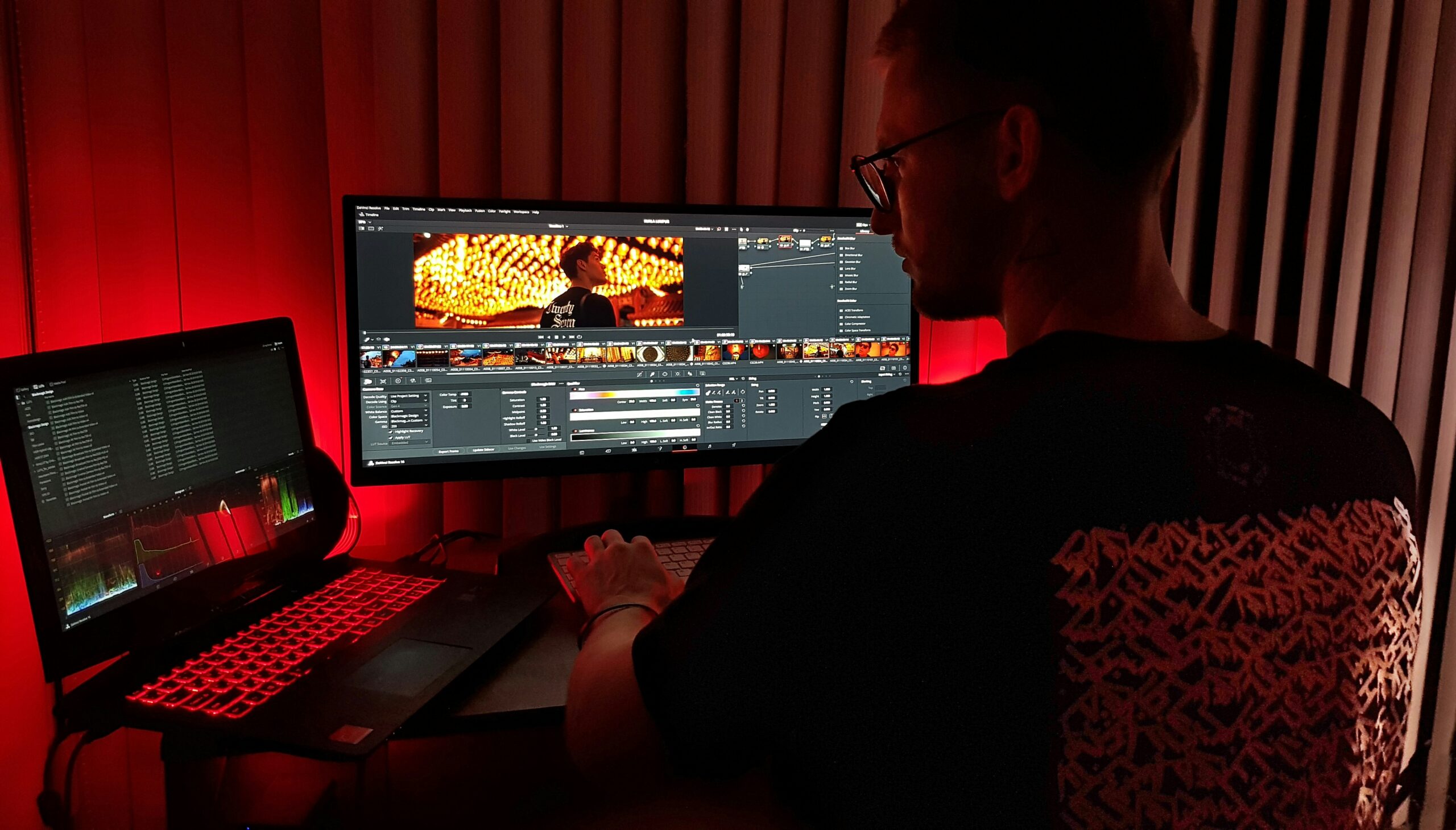
A client asks for the raw files. It feels like a reasonable request. They paid for the project. Why not hand everything over?
Most professional editors say no. Not out of secrecy or pettiness. There are real, practical reasons the industry settled on this standard, which protect the client’s outcome as much as the editor’s reputation.
Here’s what those reasons actually are, and what a proper final delivery looks like instead.
Raw Files Are Not a Finished Product
Raw footage is footage straight out of the camera. Untouched. Unedited. Shot in a flat, lifeless profile specifically designed to preserve dynamic range for post-production.
Professional video shoots are captured using cameras that record in log footage — files that are intentionally flat, lacking contrast, saturation, and sharpness. They’re meant to be enhanced in post-production. Delivering them raw leads to confusion, technical support issues, and misinterpretation of what the final product should look like.
A client who receives raw files doesn’t receive more value. They receive a problem they aren’t equipped to solve. Just as a bakery doesn’t hand you the eggs and flour alongside your wedding cake, professional studios don’t hand over raw files with a polished video. The agreed deliverable is the finished product, not the behind-the-scenes material used to create it.
The Technical Reality
Raw and log files require specific software and technical knowledge to view correctly. Log footage requires advanced editing knowledge to convert into usable MP4 files. The process of converting and exporting these files, let alone transferring the data, can take significant time. It’s not like sending documents or images.
Mezzanine formats like ProRes and DNxHR function as intermediate master files, bridging the gap between original camera footage and final compressed versions ready for distribution. They are not intended for final delivery or consumer playback.
Put simply: the file formats used during production are not the file formats used for delivery. They never were. Conflating the two creates problems for everyone involved.
Reputation and Creative Integrity
Handing over raw video files means relinquishing control over the final product. Clients may choose to edit the footage themselves or hire another editor with a different vision. This can lead to a final video that does not align with your artistic style or professional standards.
If someone else edits the footage, especially a lower-cost editor, it could result in a subpar video that doesn’t reflect the production company’s brand. Since reputation is built on quality, anything publicly associated with the work needs to meet the standards the studio is known for.
This isn’t ego. It’s accountability. A video with shoddy color grading, mismatched audio, and jump cuts circulating under your name damages your portfolio whether or not you edited it.
Intellectual Property and Licensing
Raw footage carries its own intellectual property considerations. Raw footage can be repurposed in ways that weren’t intended — sold as stock footage, shared in contexts that weren’t part of the original brief, or used to produce competing content.
Shoot-only projects, where a videographer is hired to capture footage and hand it over without editing,carry a higher rate precisely because of the raw footage transfer. Studios typically charge significantly more per hour for shoot-only work than for full production and post work. Raw footage has value. That value should be priced accordingly, not assumed to be included in the standard edit rate.
What a Proper Final Delivery Looks Like
Not delivering raw files doesn’t mean delivering less. It means delivering correctly.
A final video has passed all approval stages. It meets technical specifications, includes approved corrections, and matches client expectations. It’s been color-corrected, audio-mixed, captioned if required, and exported in the agreed-upon formats. Final status means the client has signed off. It’s a deliverable ready for publication, broadcast, or distribution.
Different clients require different delivery packages. Marketing teams need social-optimized cuts. Broadcasters demand technical specifications. Social media managers want multiple aspect ratios. Tailoring deliverables to specific use cases demonstrates professionalism and saves clients time.
A complete professional delivery typically includes:
The master file. High-quality, full-resolution. MP4 H.264 at high bitrate or MOV for professional handoffs. This is the archive — the file the client keeps.
Platform-optimized versions. Deliver master files plus platform-specific versions: YouTube at 16:9 H.264, Instagram at 1:1 and 9:16, LinkedIn at 16:9 with captions. Each version is optimized for its destination — correct resolution, aspect ratio, and bitrate.
Compressed delivery files. Large master files aren’t practical for every use case. A compressed version optimized for web embedding, email sharing, or client presentation gives the client something immediately usable without hunting for tools to reduce the file size themselves.
Clear file naming and organization. Proper file naming, organized folders, and complete documentation show you respect the client’s time. When clients receive exactly what they expected without having to ask follow-up questions, they remember that reliability.
When Raw Footage Is Appropriate
There are legitimate scenarios where raw footage transfer makes sense.
Some studios offer raw media delivery as an add-on service — accounting for extra storage, transfer logistics, and the licensing associated with the footage. This is the correct approach. Raw footage delivery is an additional deliverable with additional cost, not a default included in the standard package.
Large commercial clients with in-house post-production teams sometimes need source files to continue editing internally. Broadcast and streaming platforms occasionally require specific source formats. Documentary productions often need raw footage for future use. In all these cases, the requirement should be established before production begins, priced accordingly, and documented in the contract.

Compressing Final Deliverables Without Quality Loss
One practical challenge in proper delivery is file size. A full-quality master file is large. Sending a 20GB file to a client who needs to upload it to their website creates an immediate problem.
Intelligent compression before delivery handles this. TotalMedia VideoConverter’s AI compression engine reduces file size significantly while preserving visual quality. The output is optimized for the client’s actual use case rather than simply shrunk. The real-time file size preview shows the expected output before committing, and batch compression processes an entire project’s deliverables in one session. The workflow: keep the full master archived, deliver a compressed version the client can actually use.
The Delivery Checklist
Before sending any final files, run through this:
- All agreed versions included — full cut, social cuts, platform-specific aspect ratios
- Correct format for each version’s use case — MP4 H.264 for general delivery
- Resolution and frame rate match agreed specifications
- Bitrate appropriate for resolution — not too low, not unnecessarily high
- No timecode burns, watermarks, or draft markers in final files
- Audio mixed correctly and at correct levels
- Files named clearly — ClientName_ProjectType_Date_Version
- Transfer link tested before sending
- Master file archived separately before delivery
- Raw footage not included unless explicitly agreed and invoiced as additional deliverable
Frequently Asked Questions
Raw footage is unprocessed, flat, and often shot in log profiles that require professional software to view correctly. It’s the building material, not the finished product. Most videographers don’t include it in the standard delivery scope for the same reason a builder doesn’t hand over the architectural drawings with the completed house. If you need raw footage for a specific reason, establish that requirement before production begins — it’s typically available as an add-on at a higher rate.
Yes. Calculate what the project would have cost at your shoot-only rate versus your full production rate. The difference is the appropriate charge for the raw footage release. Raw footage has independent value as intellectual property. Releasing it retrospectively without additional compensation transfers that value to the client without compensation for you.
MP4 with H.264 codec and AAC audio is the right default for almost every general delivery scenario. It plays on every device and uploads to every platform without compatibility issues. For professional post-production handoffs, MOV at high bitrate or ProRes is more appropriate. Always confirm the client’s intended use before deciding on format.
No. It’s industry standard. Delivering a polished, refined video showcases your skills and professional competence. Withholding raw video files emphasizes the value of your expertise and reinforces the importance of your role as a trusted professional in the video production industry. The professional response is to explain what’s included in the delivery scope clearly upfront — not to refuse without explanation after the fact.
Disclaimer: Delivery standards, file formats, and industry practices vary by production type, client agreement, and region. Always document deliverables in a contract before production begins.